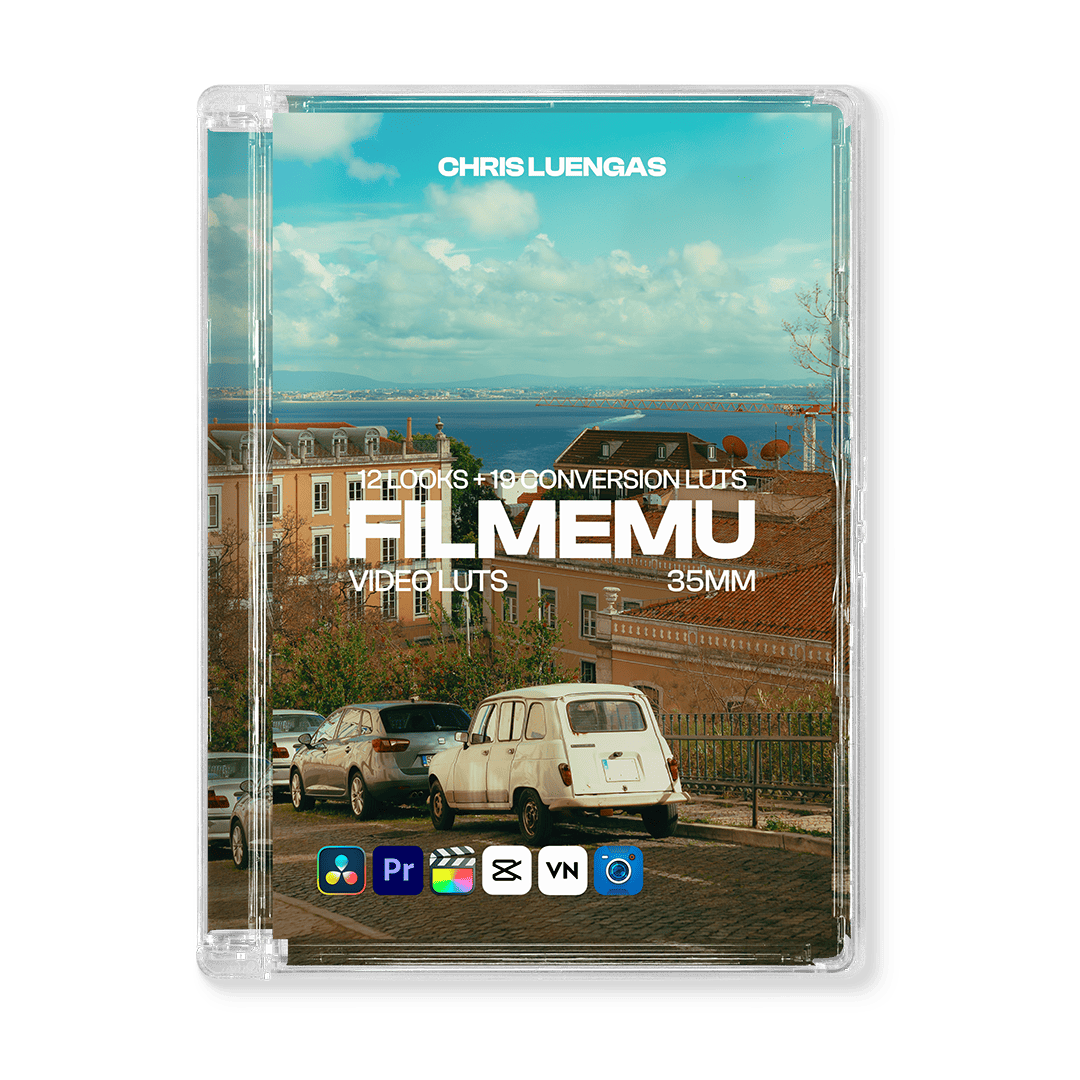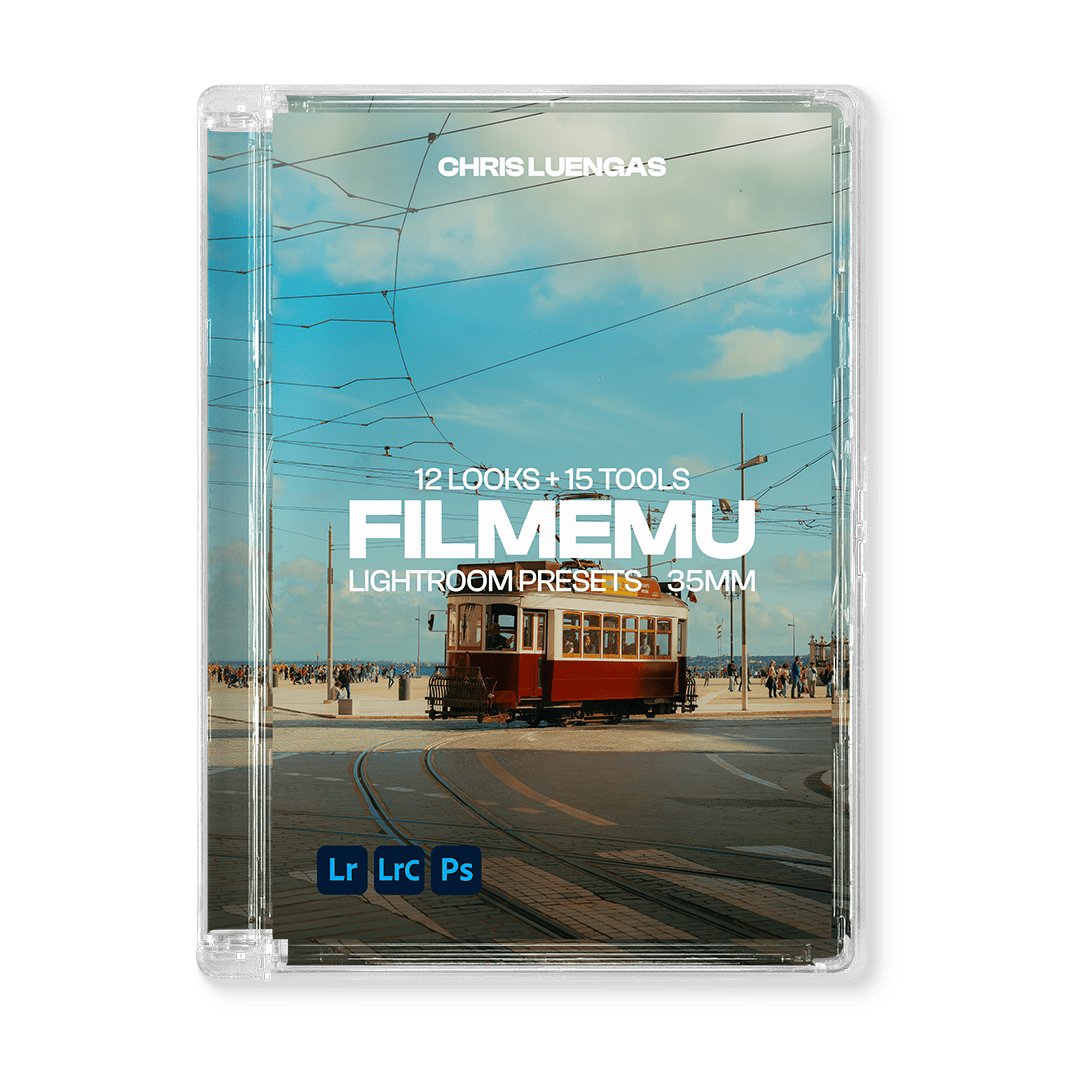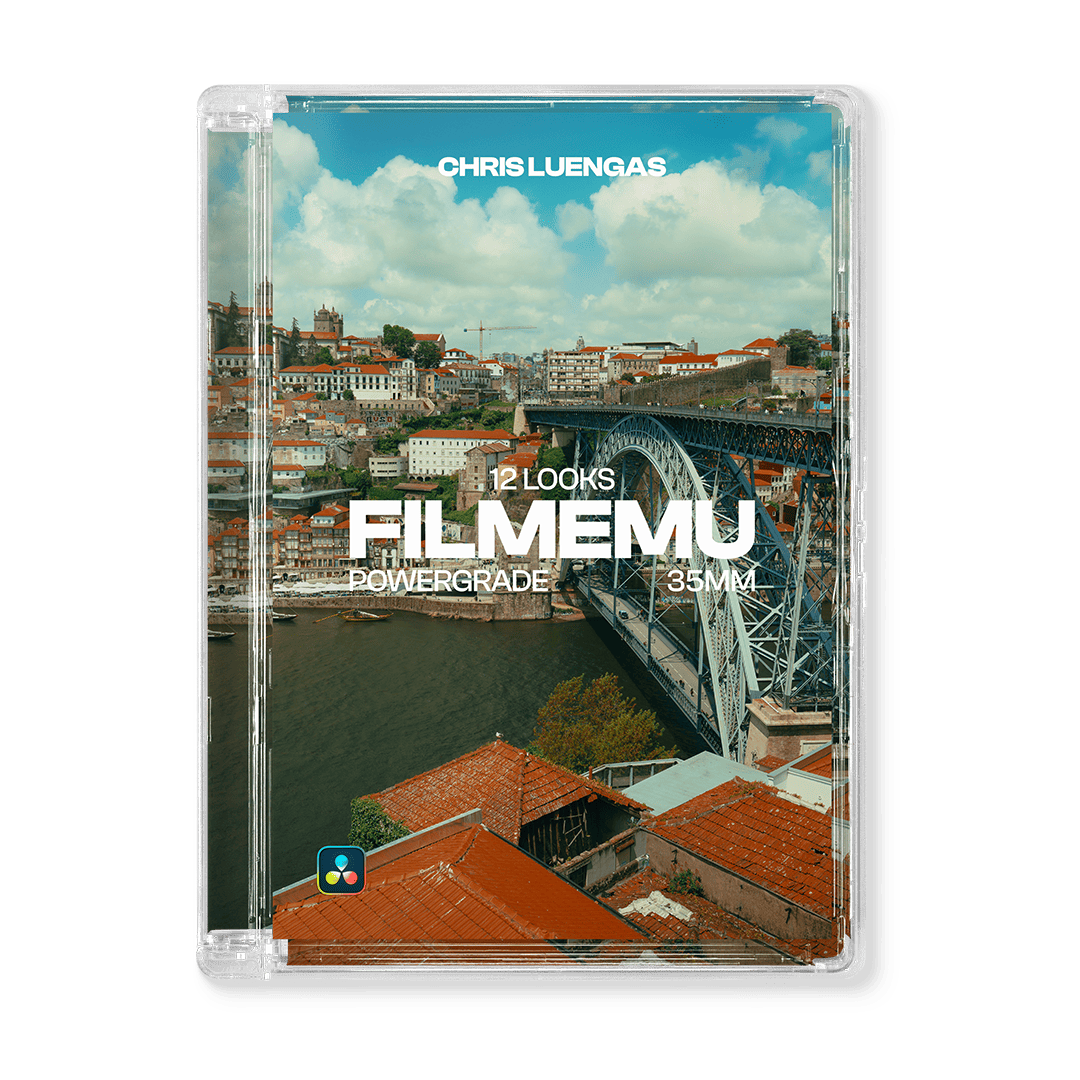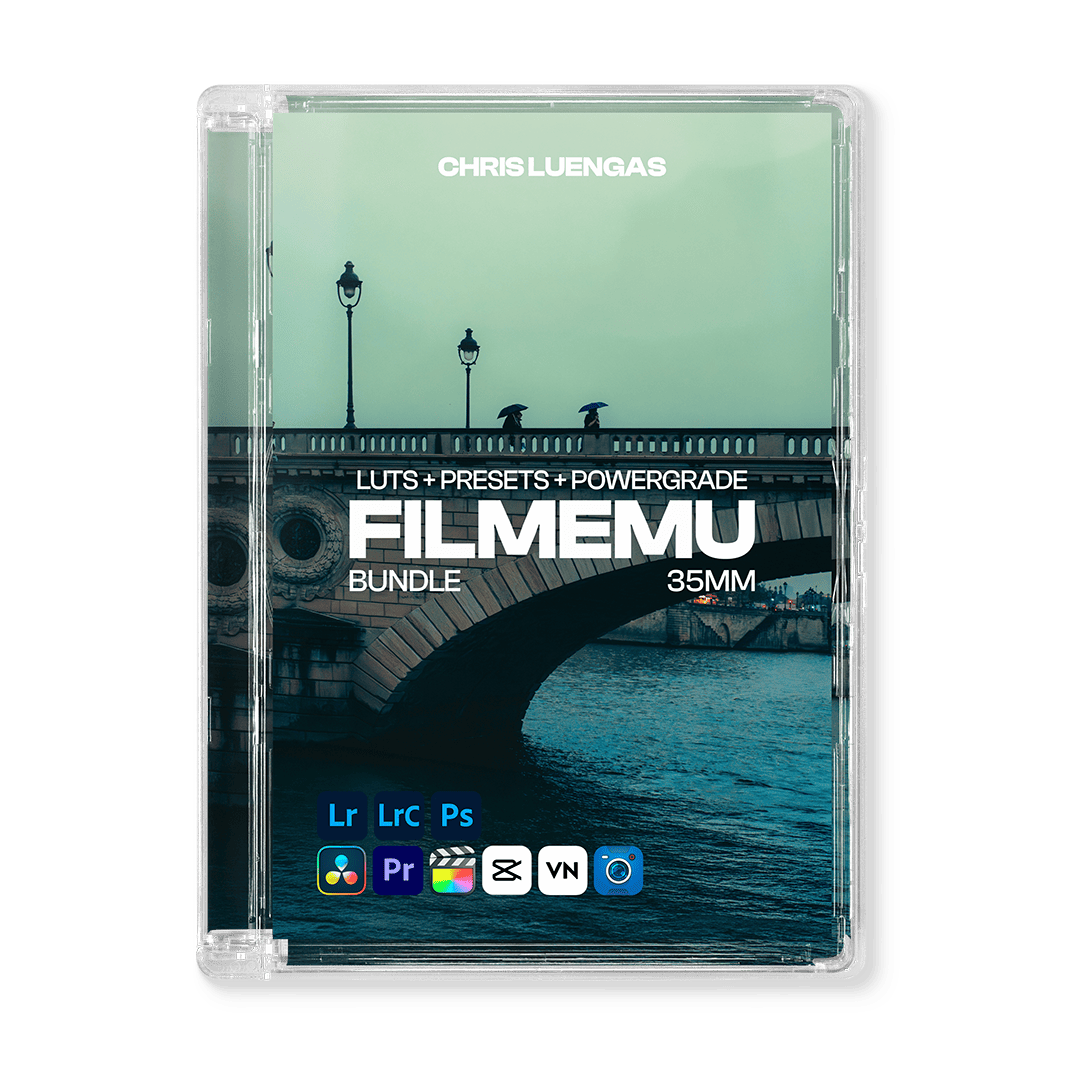
FilmEmu 35mm | Bundle (Video LUTs + Lightroom Presets + PowerGrade)
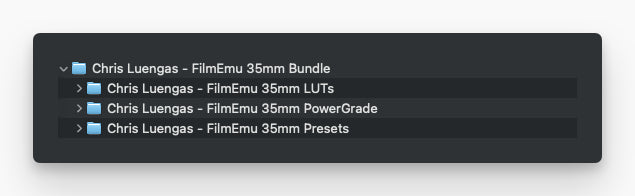
This Bundle includes: FilmEmu 35mm Video LUTs + FilmEmu 35mm Lightroom Presets + FilmEmu 35mm PowerGrade
Recreate the iconic colors of 35mm film look, inspired by Kodak 2383 & Fujifilm 3513.
FilmEmu 35mm combines vibrant colors, soft contrast, and natural skin tones.
Perfect for narrative projects, travel films, social media, commercial and branded content, documentaries, music videos, wedding films, and events.
Compatible with LOG/RAW/FLAT/REC709: Canon, Sony, Apple, DJI, Blackmagic, Fujifilm, Panasonic, Nikon, Leica, ARRI, RED.
FilmEmu 35mm Lightroom Presets
Compatible with RAW/JPG: Canon, Sony, Apple, Fujifilm, Panasonic, Nikon, Leica, other cameras.
Compatible with LOG/RAW/FLAT/REC709: Canon, Sony, Apple, DJI, Blackmagic, Fujifilm, Panasonic, Nikon, Leica, ARRI, RED.
Compatible with


Receive your order immediately via email after purchase.
12 Film Looks
Includes 2 Print Film (Kodak 2383 & Fuji 3513), each with 6 variations. 12 looks in total
70 Assets
Video LUTs + Lightroom Presets + PowerGrade
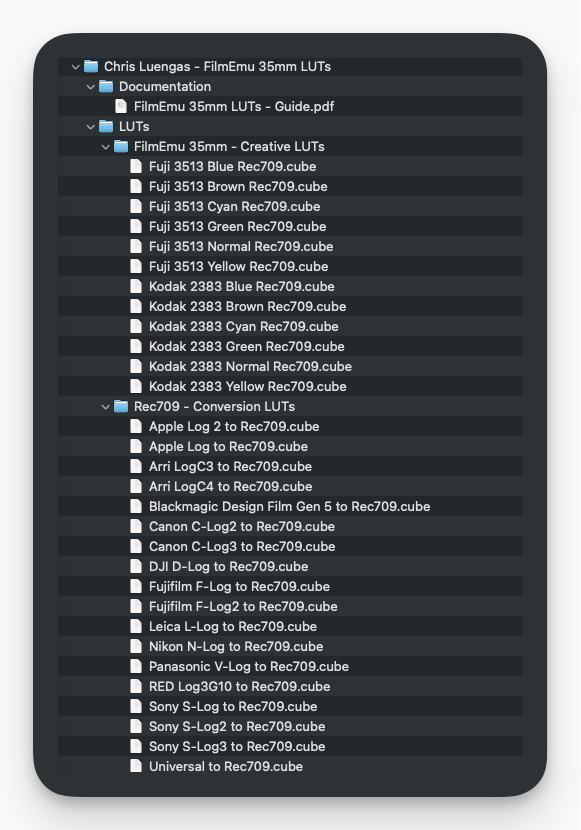
- 12 Creative LUTs (Film Emulation Looks): 2 Print Film (Kodak 2383 & Fuji 3513), each with 6 variations. (.cube)
- 19 Conversion LUTs to Rec.709 for Canon, Sony, Apple, DJI, Blackmagic, Fujifilm, Panasonic, Nikon, Leica, ARRI, RED. (.cube)
- Installation Guide. (.pdf)
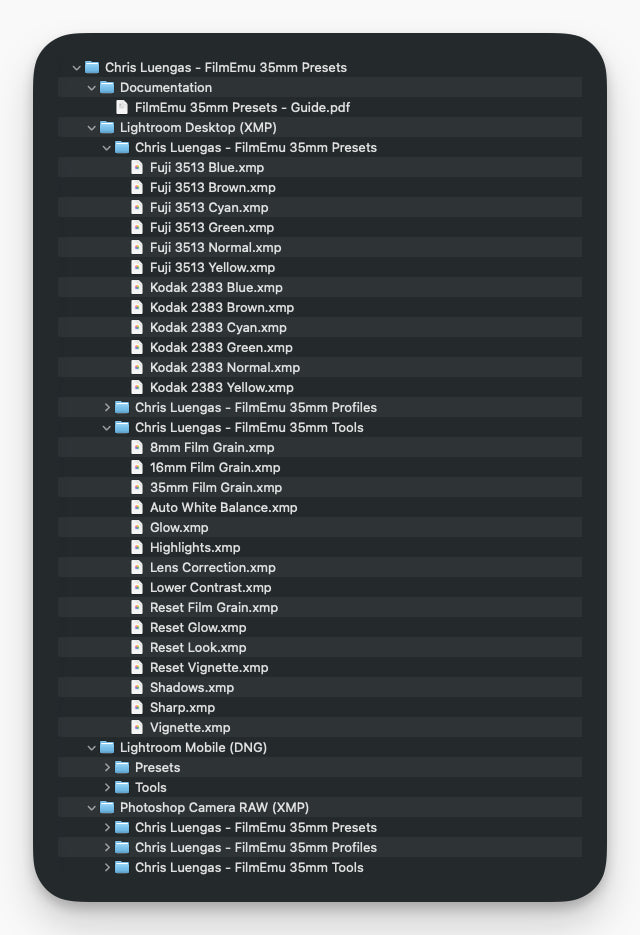
- 12 Lightroom Presets (Film Emulation Looks): 2 Print Film (Kodak 2383 & Fuji 3513), each with 6 variations. (.xmp & .dng)
- 15 Lightroom Tools: Grain, Glow, Sharp, and more (.xmp & .dng)
- Installation Guide (.pdf)
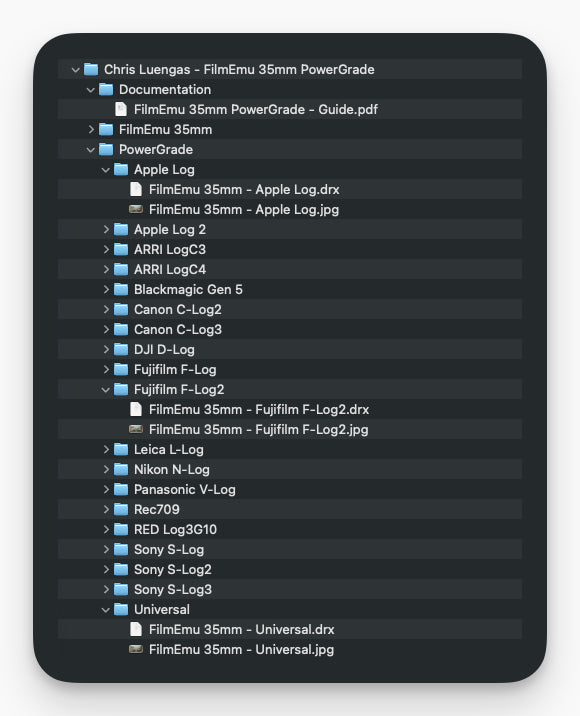
- 1 PowerGrade (12 Film Emulation Looks) for each camera (.drx)
- Installation Guide (.pdf)
Video LUTs - Before/after
LUTs created to work in most situations and with just a few clicks
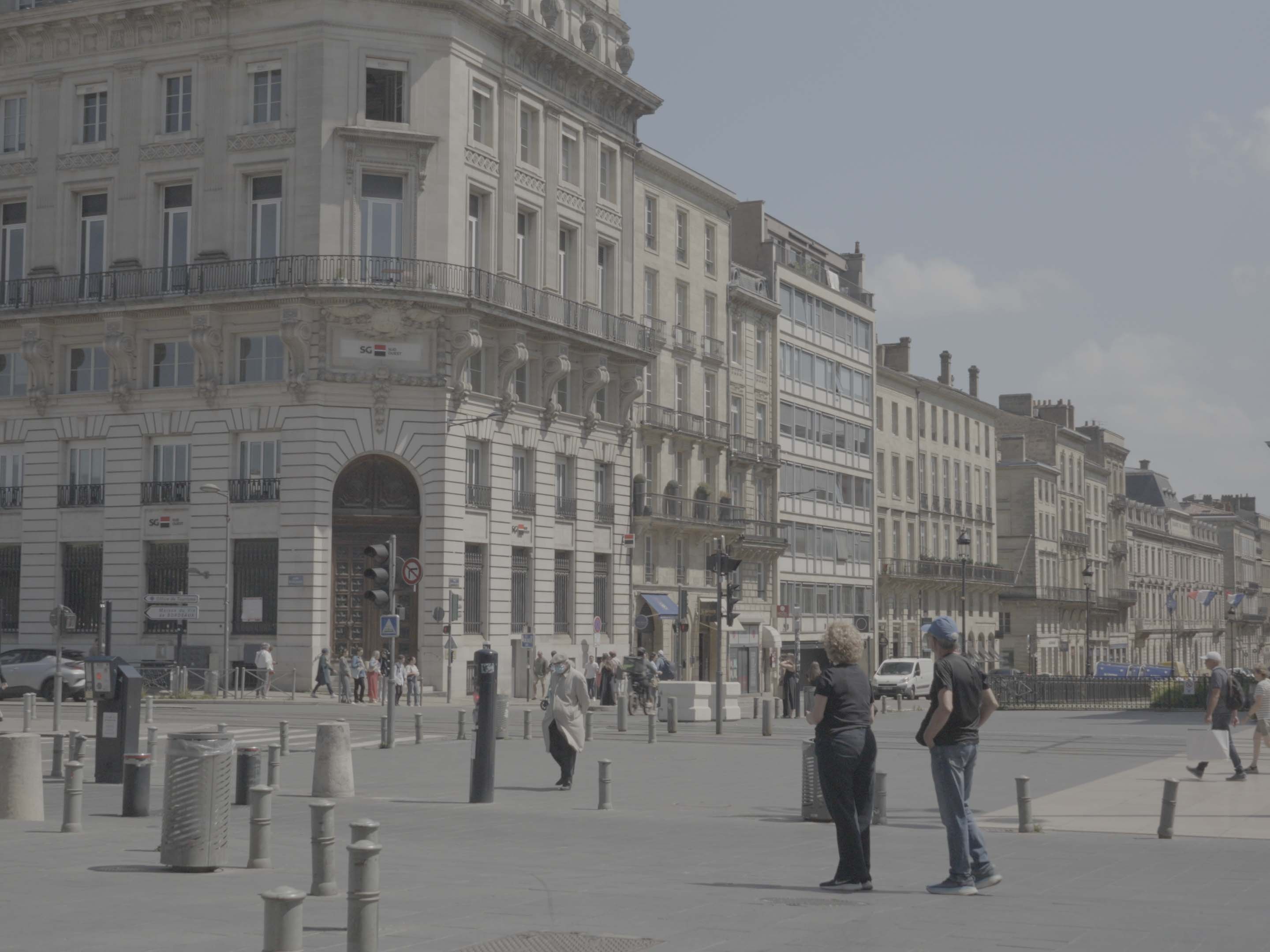
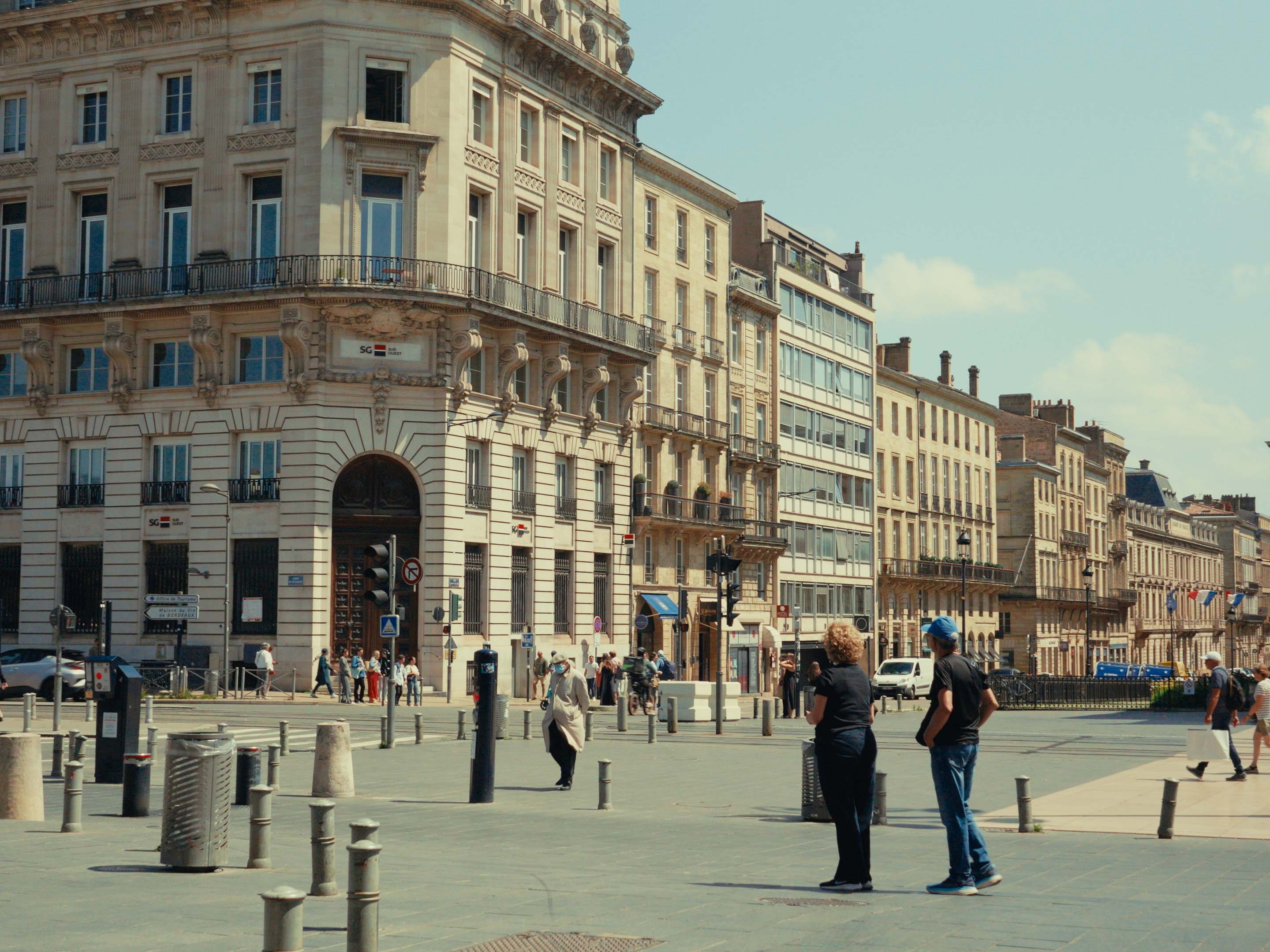
Fuji 3513 Normal
A clean, neutral base that works for any project
Before
After
Kodak 2383 Cyan
Red shadows with subtle cyan highlights

Before

After
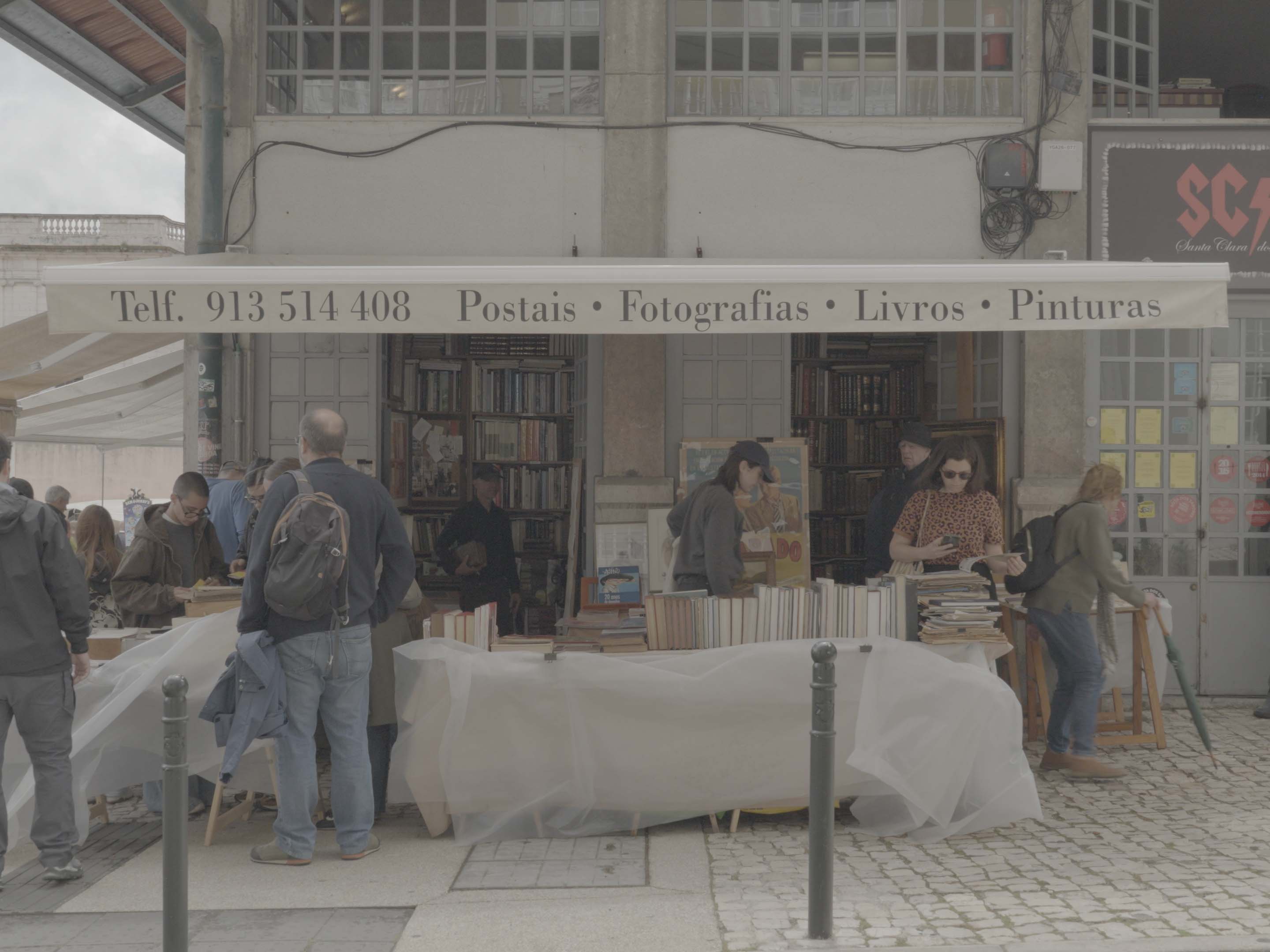
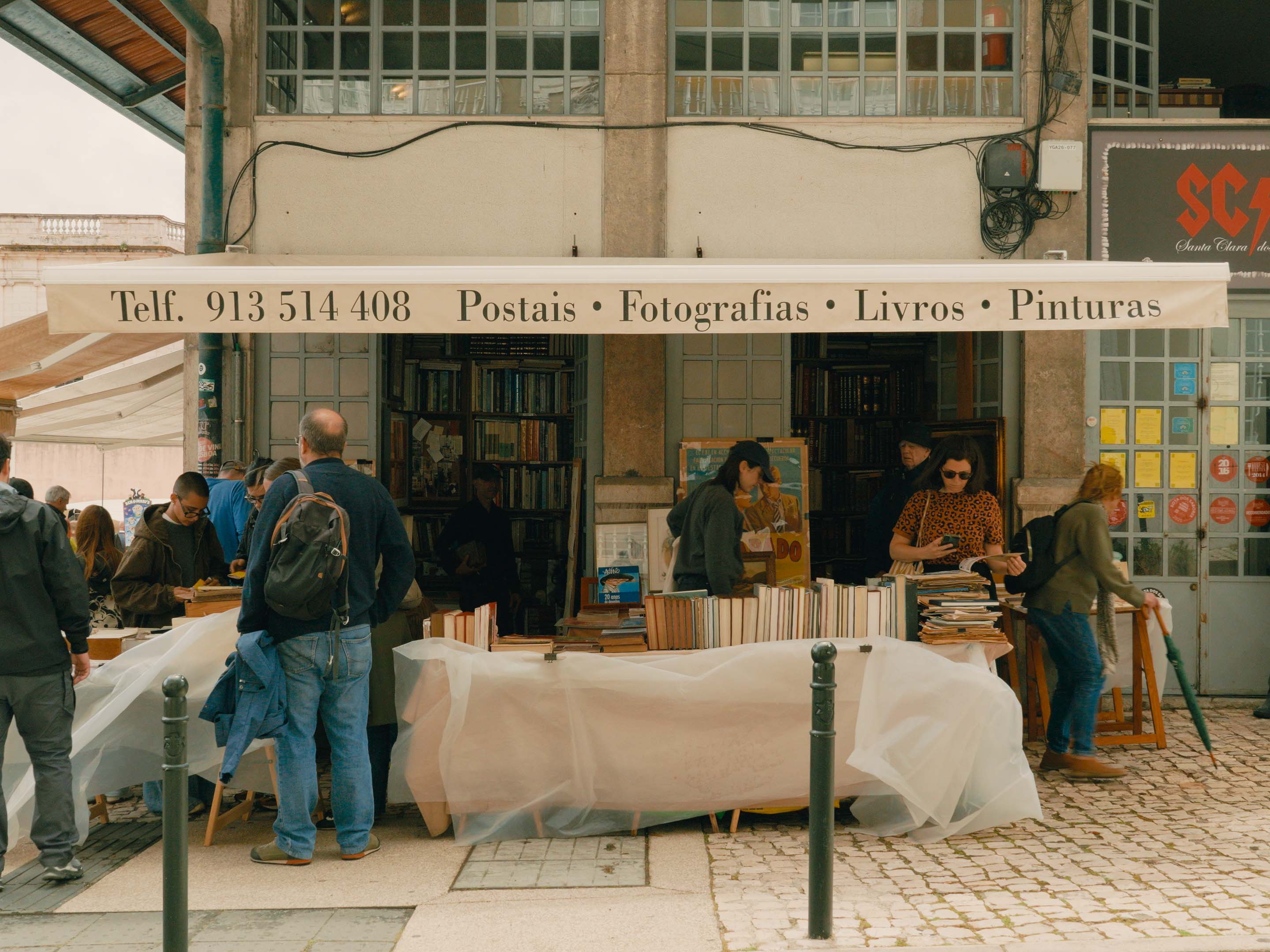
Fuji 3513 Green
Green shadows with subtle magenta highlights
Before
After
Lightroom Presets - Before/after
Presets created to work in most situations and with just a few clicks
Kodak 2383 Blue
Blue shadows with subtle pink highlights

Before

After
Fuji 3513 Brown
Brown shadows with subtle blue highlights
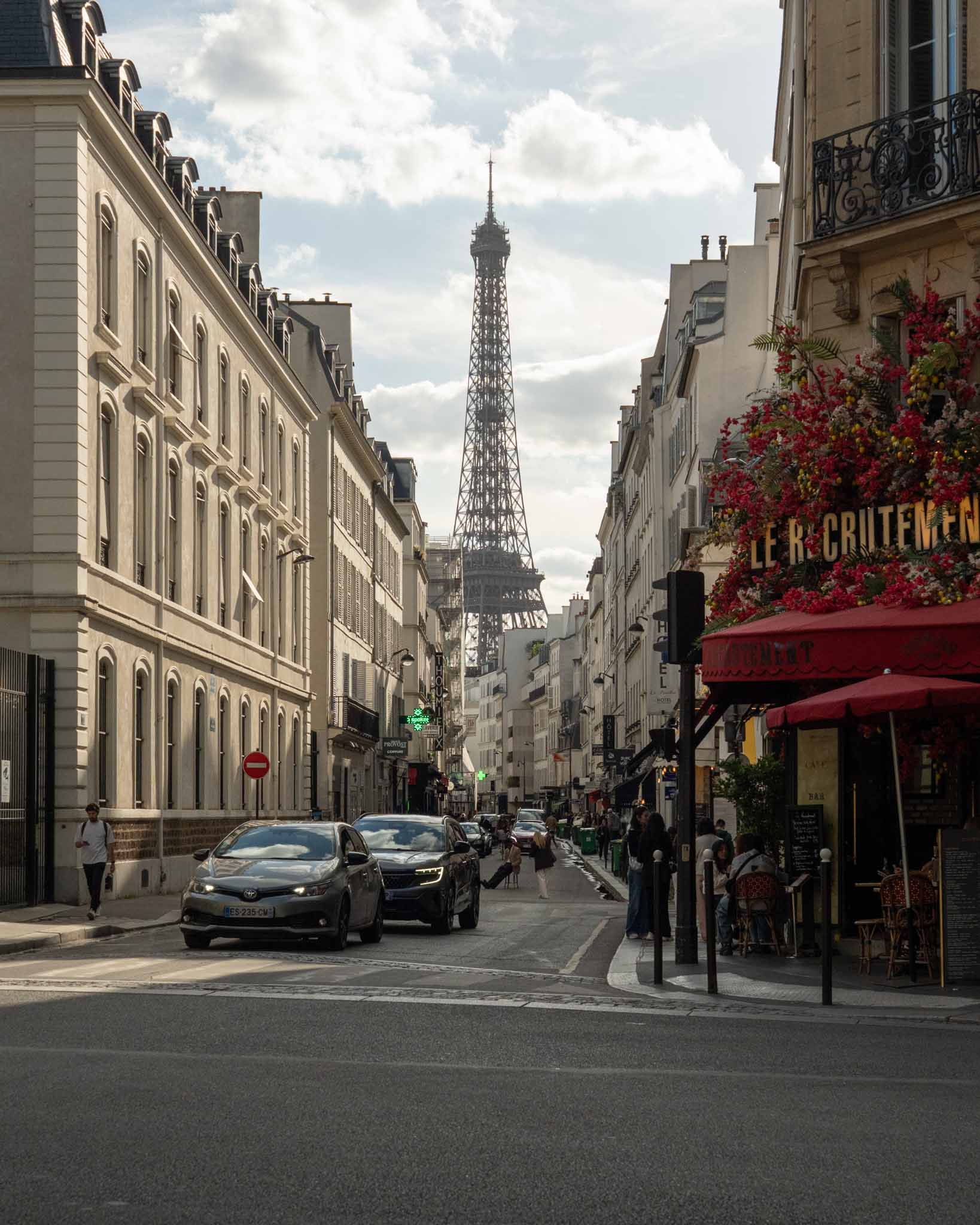
Before
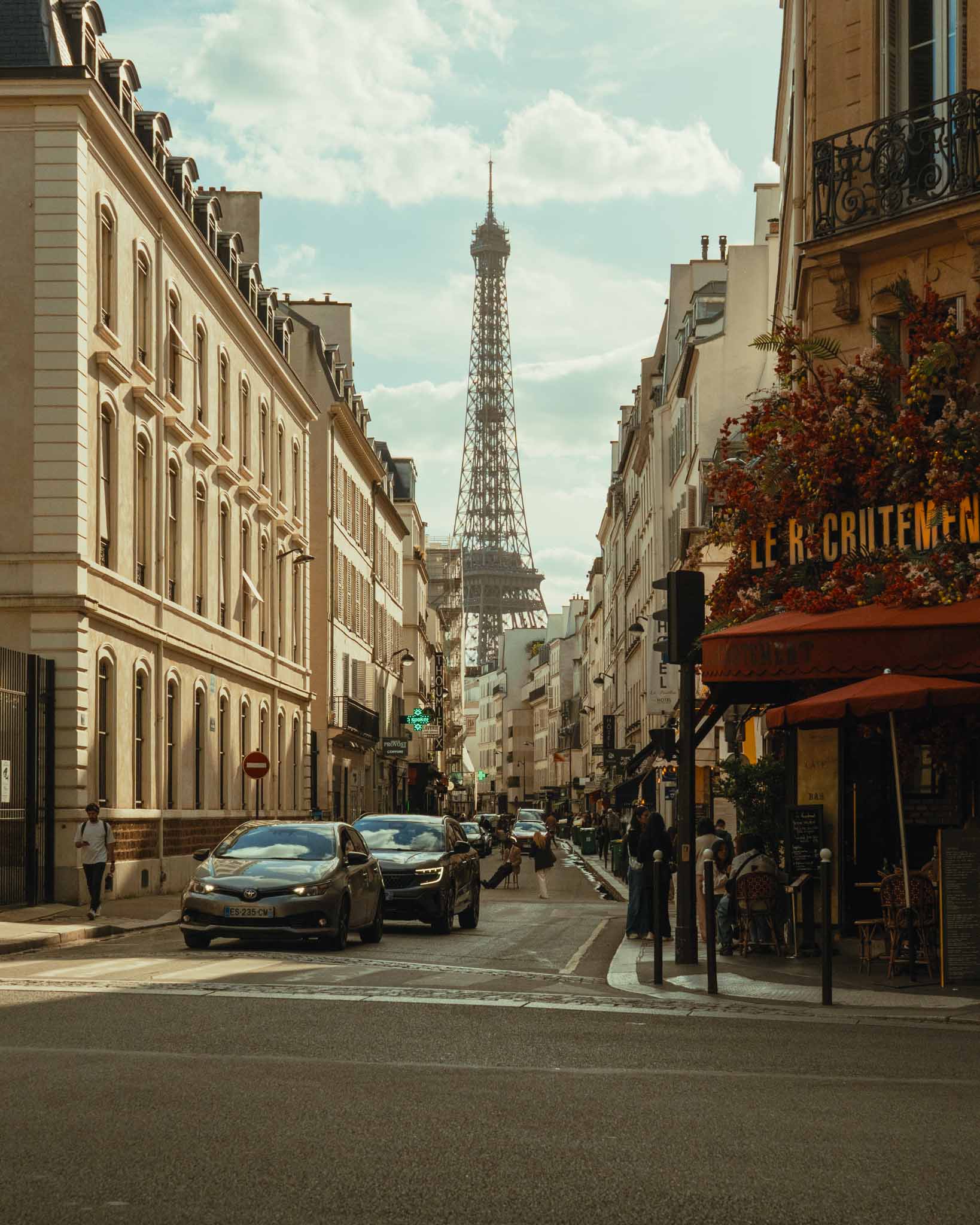
After
Kodak 2383 Yellow
Blue shadows with subtle yellow highlights
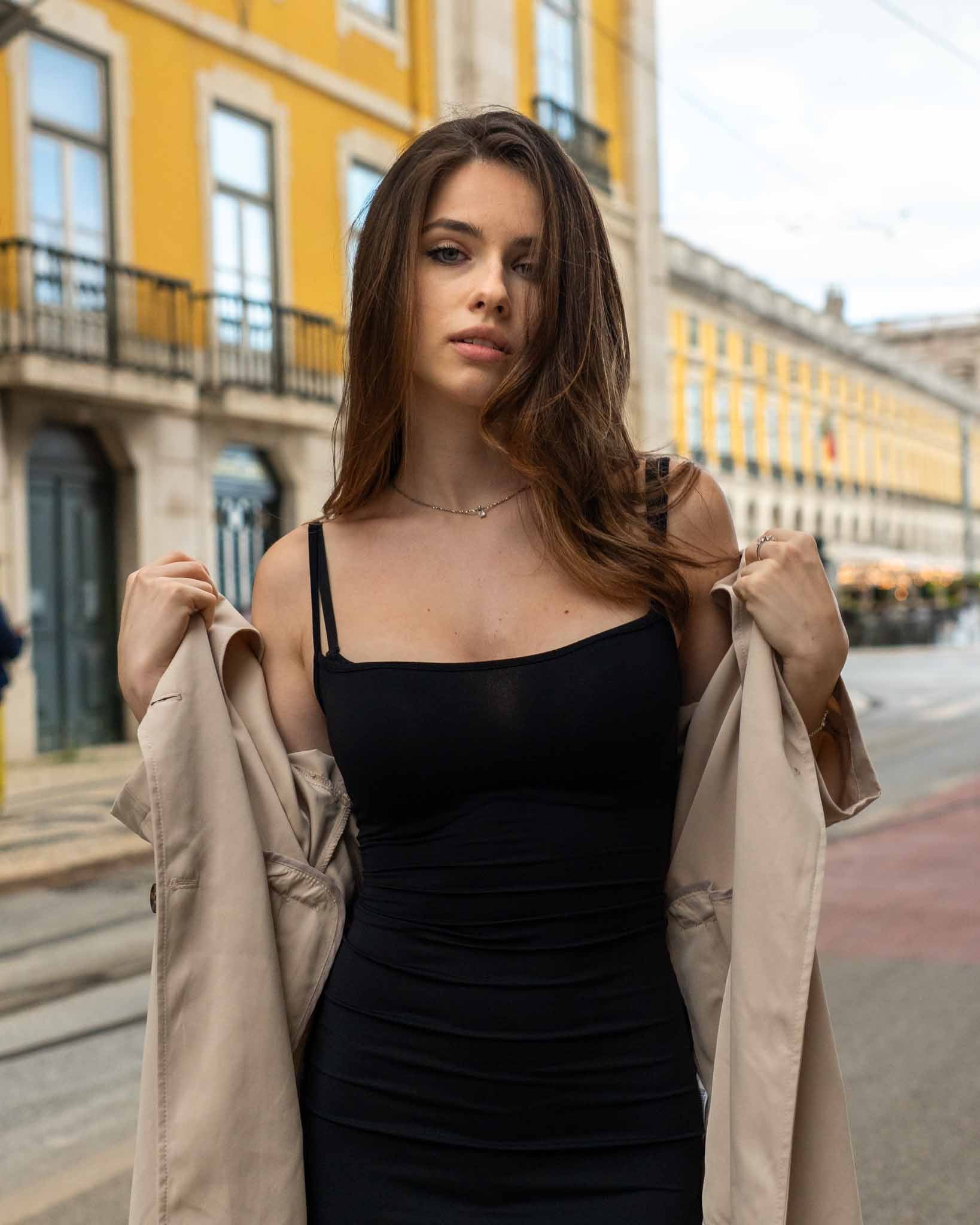
Before
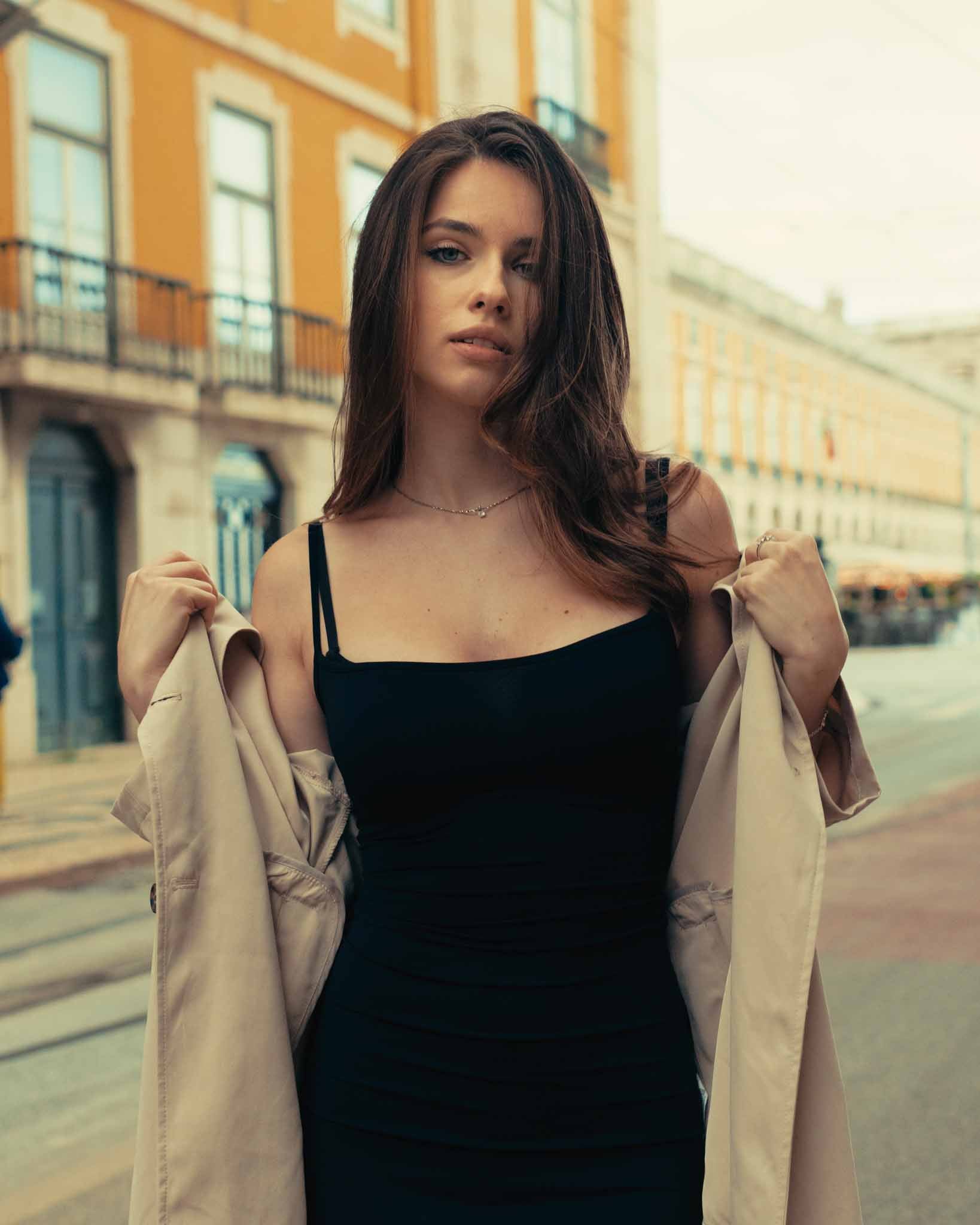
After
PowerGrade - Before/after
PowerGrade created to work in most situations and with just a few clicks
Kodak 2383 Cyan
Red shadows with subtle cyan highlights
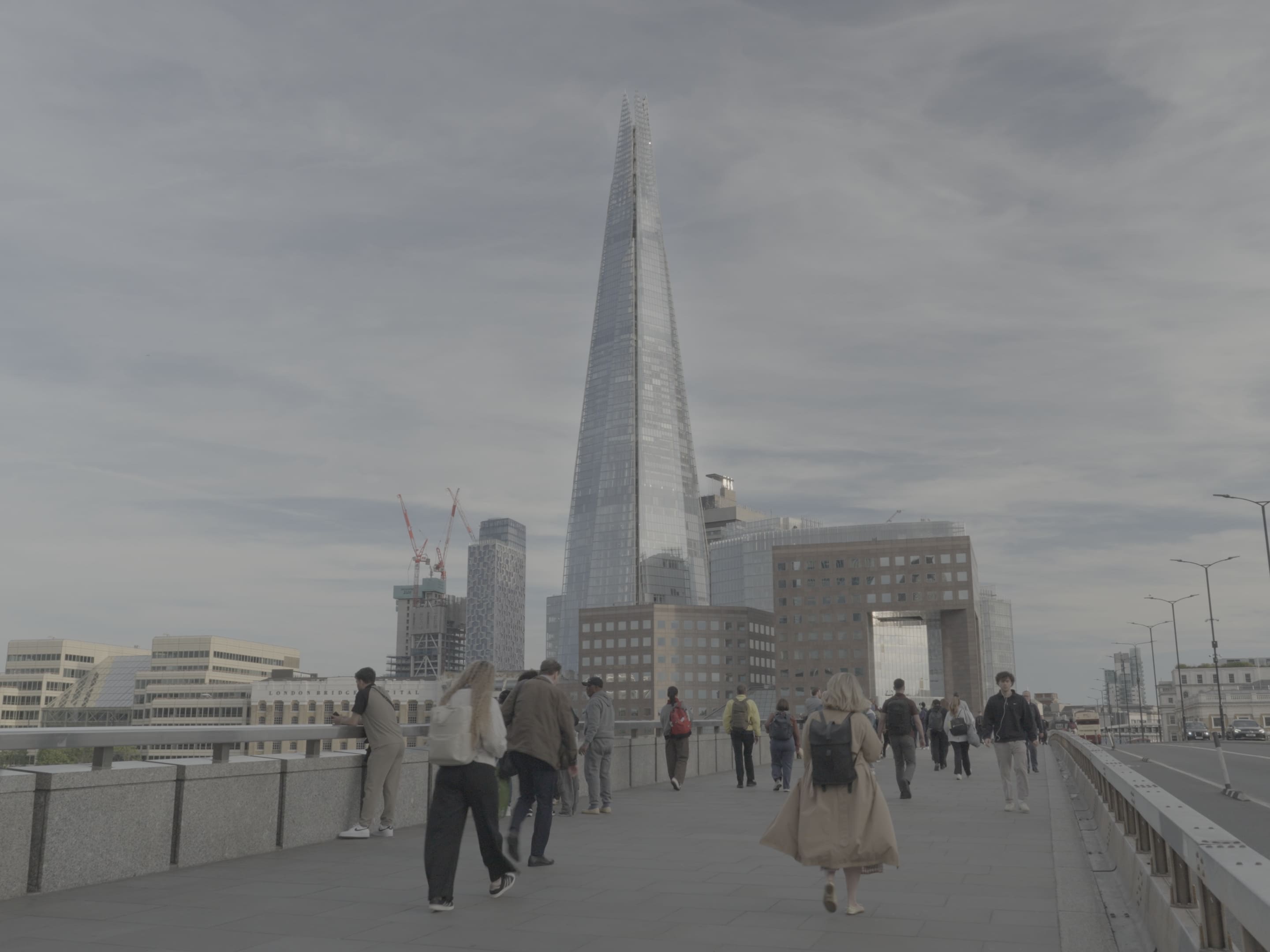
Before
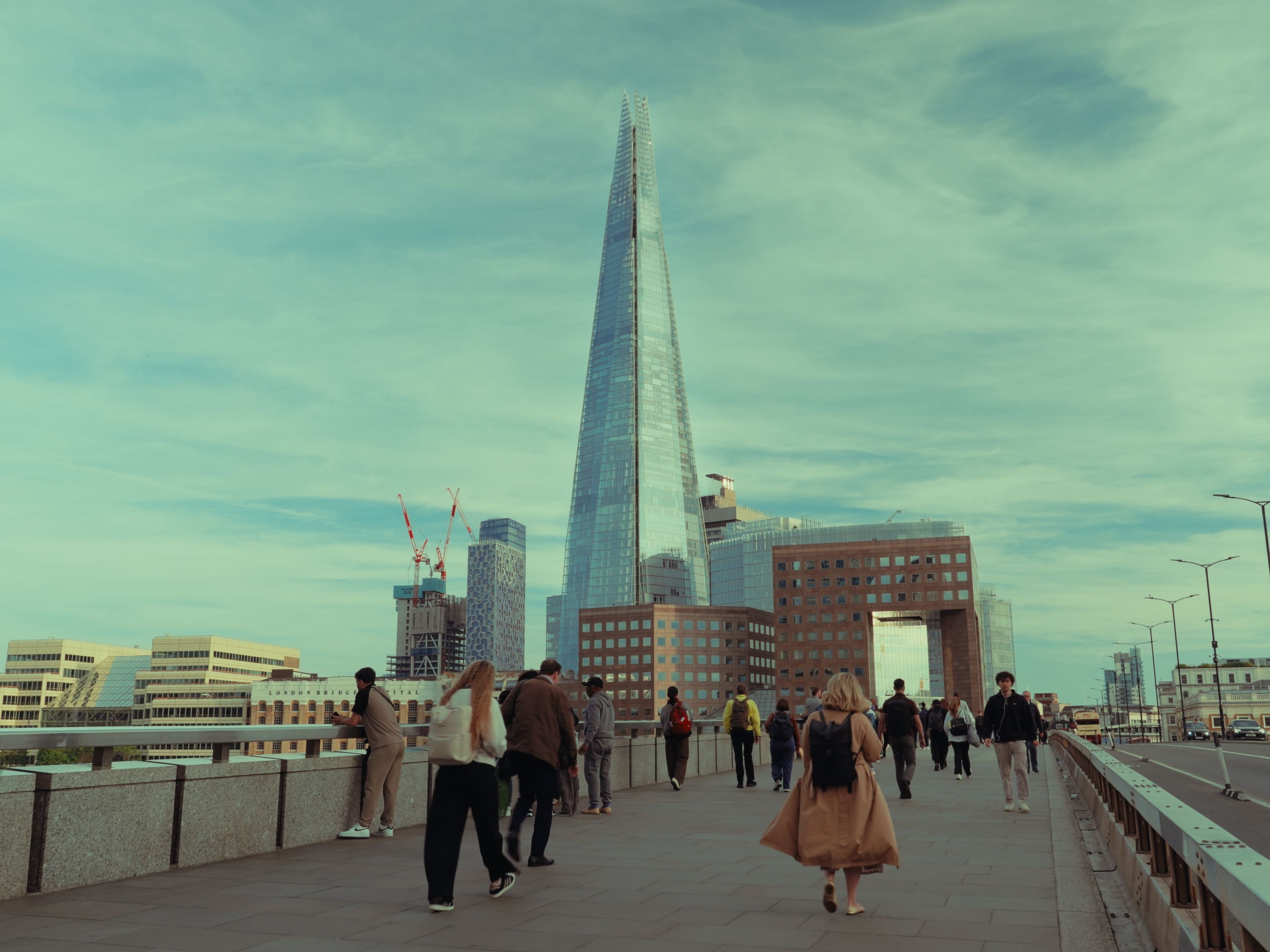
After
Kodak 2383 Cyan + Halation + Blur + Glow + Grain + Vignette
Film Emulation Texture with Visual Effects (OFX)
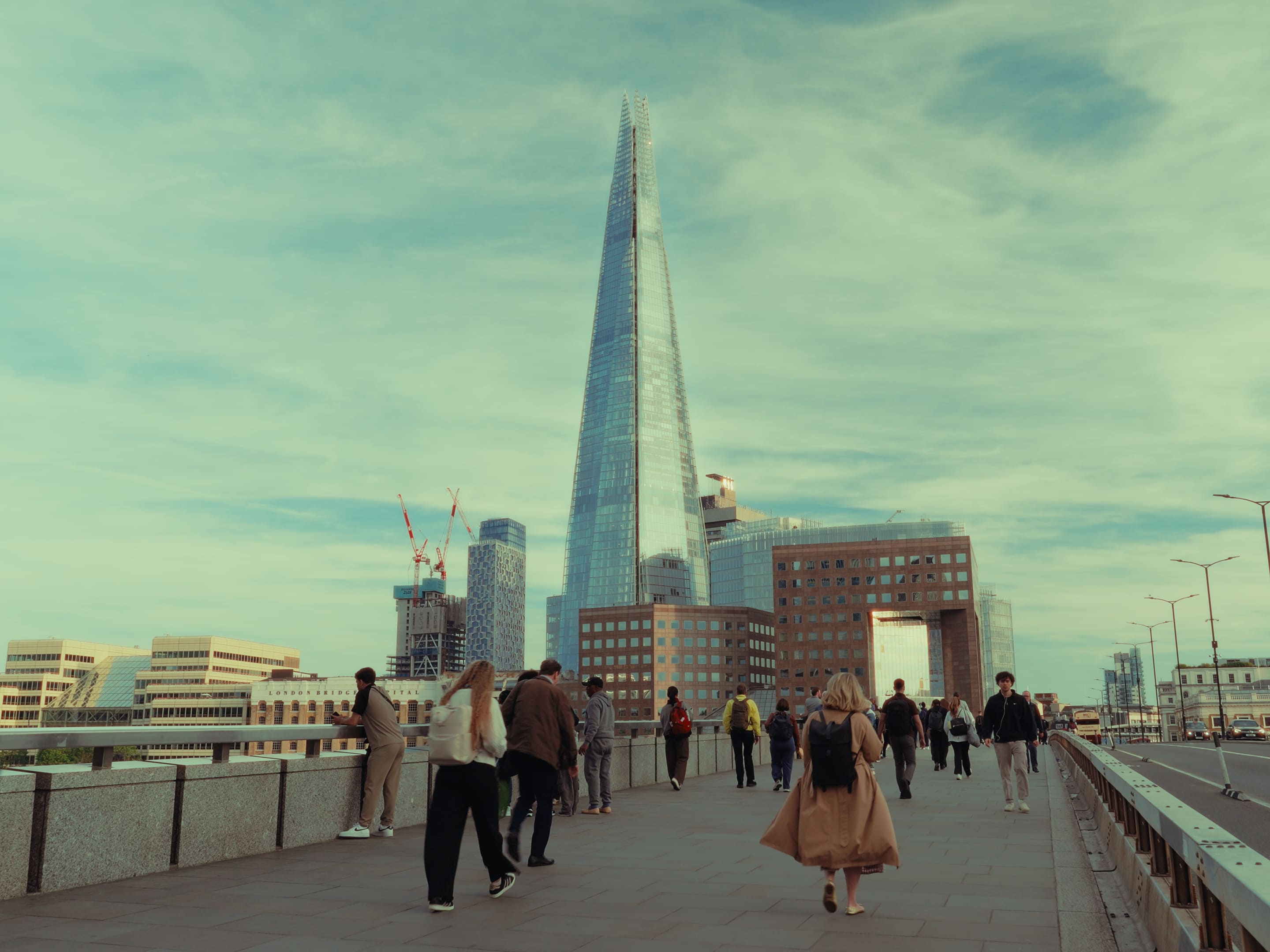
Before
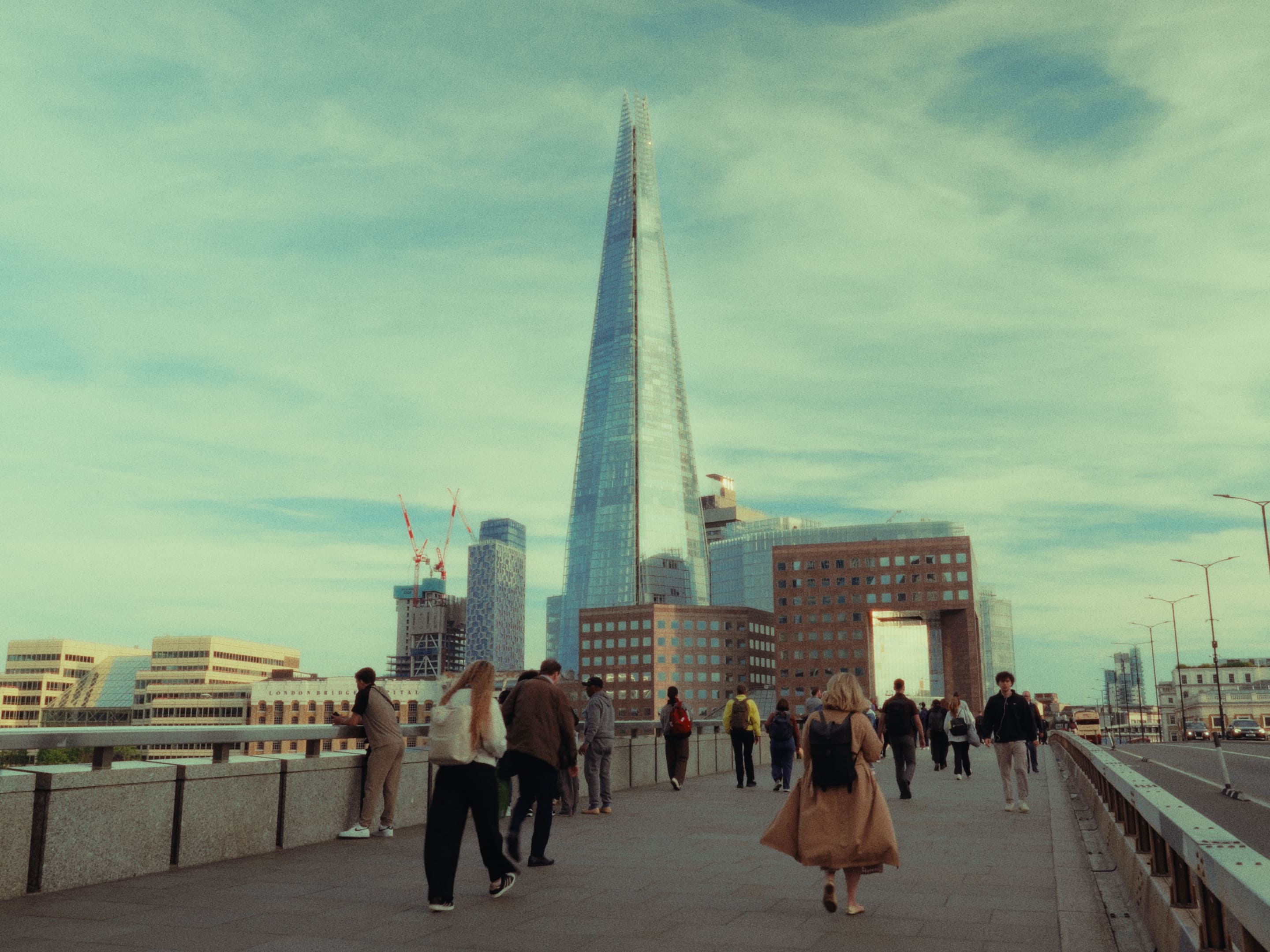
After
FAQ
What is a Video LUT?
LUTs, or Look-Up Tables, are tools used to apply color grading, emulate film looks, or achieve specific visual styles in videos.
What is a Lightroom Preset?
Presets are tools used to apply a consistent aesthetic, emulate film styles, or create specific visual moods in your photos.
What is a PowerGrade?
PowerGrades are saved node trees in DaVinci Resolve that capture an entire color grading workflow.
Does it work on mobile?
Video LUTs:
Absolutely! Our Video LUTs (.cube) work seamlessly with top mobile editing apps like LumaFusion, VN App, and Blackmagic Camera, perfect for those who edit on the go.
Lightroom Presets:
Absolutely! Our Lightroom Presets (.cube) work perfectly on mobile with apps like Lightroom Mobile, making it easy to edit professionally from anywhere.
PowerGrade:
No. It works on iPad, but not directly on mobile.
You can’t edit PowerGrades on a mobile phone, since there’s no full node based version of DaVinci Resolve available. However, you can shoot with your phone and import the footage into a PC or iPad to grade it using PowerGrades without any issue.
What color space are these Video LUTs/PowerGrade made for?
Both are fully compatible with LOG and Rec.709 workflows.
If you’re shooting in LOG, you can convert your footage to Rec.709 before applying the Video LUTs using the included camera specific Conversion LUTs. This ensures you achieve the intended look with maximum accuracy.
For the PowerGrade, simply apply the camera specific PowerGrade that matches your footage. The required color transformation is already built into the node structure, so no additional conversion step is needed.
What type of images are these Lightroom Presets made for?
These Presets are designed for standard JPG and RAW images, making them ideal for professional workflows.
Can I use the free version of DaVinci Resolve?
Yes. It works perfectly in the free version of DaVinci Resolve. Some advanced Visual Effects (OFX) based nodes are disabled by default since they require the Studio version, but this does not affect the final color result.
The free edition already includes all the essential tools for a clean and professional grading workflow.
Do I get updates?
Yes! After your purchase, you’ll get all future updates of the product for free, automatically.
You may also like